What you will learn and develop?
What you will learn and develop?
Africa App
Introduction
Introduction
Lectures
Lectures
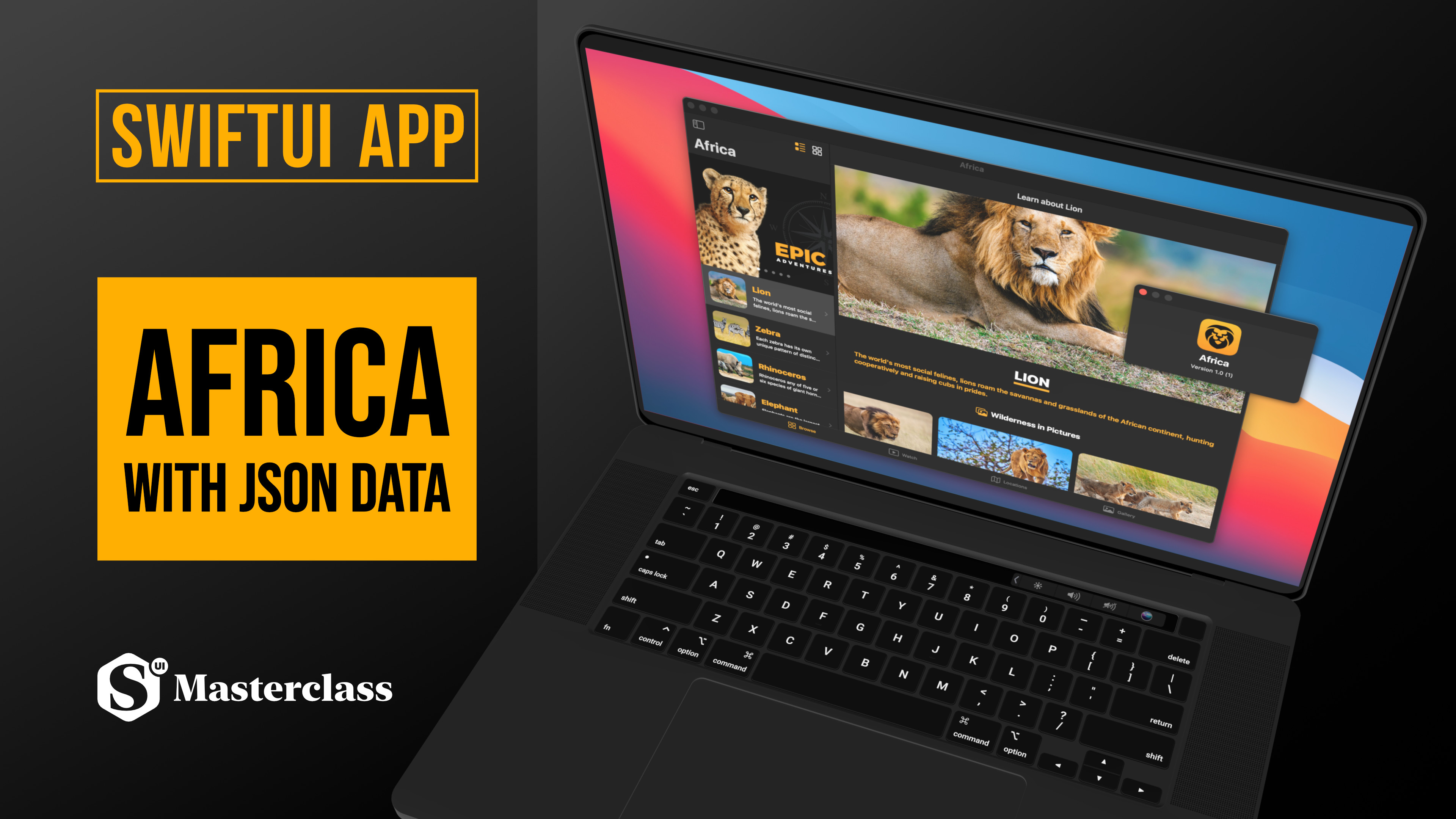
In this SwiftUI class, we’re going to discover not only Africa but further exciting new features of iOS 14 and the SwiftUI framework. This advanced guide will help you to get familiar with how to build not only an iPhone app but a full-fledged iPad and even a Mac desktop application.
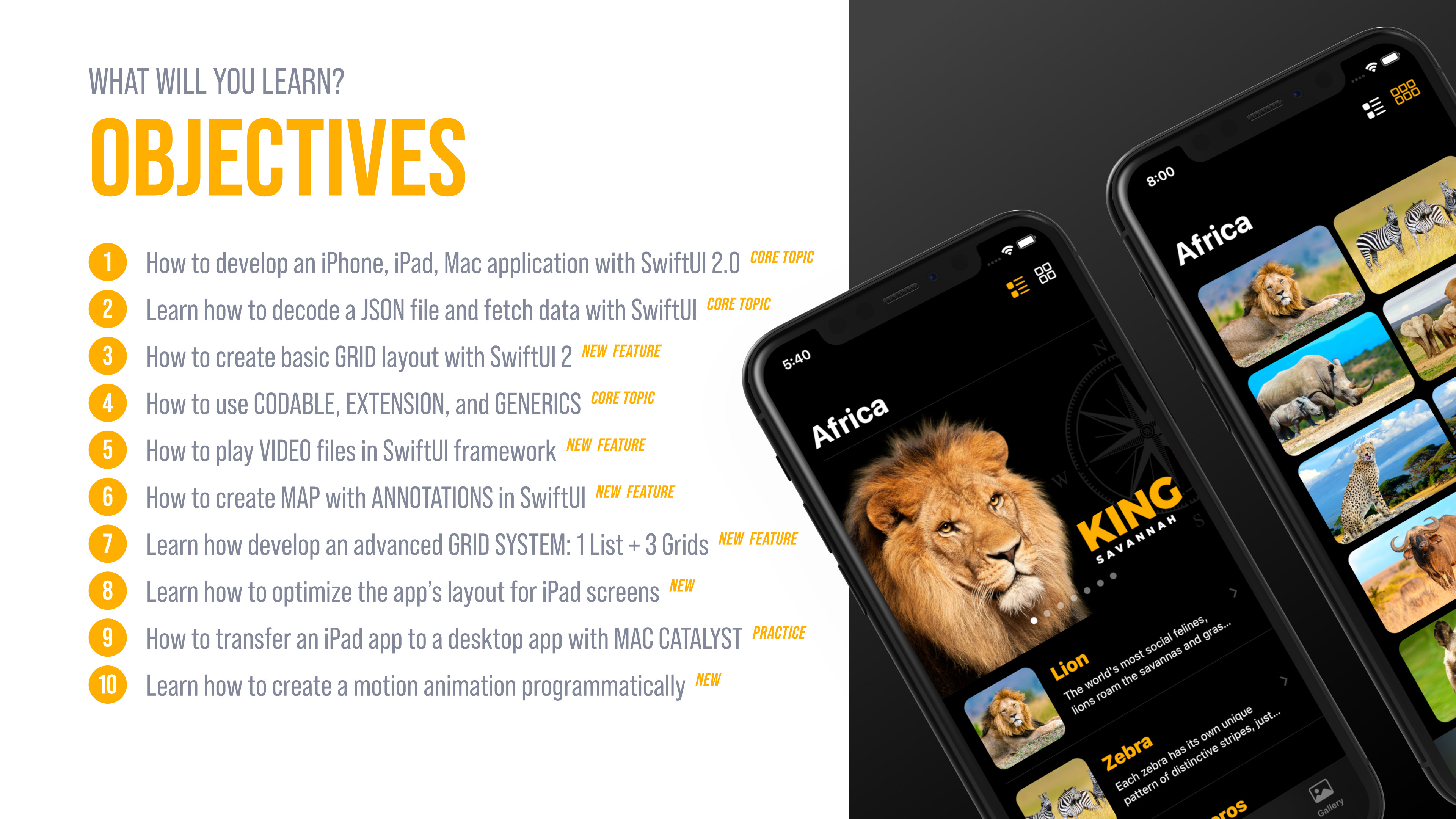
LEARNING OBJECTIVES
The main learning objectives of this iOS 14 app development tutorial are the following:
First of all, we will learn how to set up a new iOS 14 app using exclusively the Dark appearance.
Then how to create a launch screen using the settings which is the new official approach to do.
After that, we will learn how to parse and decode data from multiple JSON files with the Swift programming language.
Next, we’re going to learn how to create Grid Layouts in SwiftUI.
We will not only cover the basics of Grids but we will develop an advanced Grid Layout system and let users allow to switch from 1 list view to 3 different grid layouts on the new toolbar as well.
Also, we will learn how to use SwiftUI’s new MapKit and create a basic, then a more complex map with multiple animating annotations at the same time.
In addition to that, we’re going to create a content-rich video list and learn how to play videos with the new SwiftUI’s audio-video kit too.
On top of that, we’re going to cover two important Swift programming topics, such as Swift extension, and Swift generics.
What’s more, is at the end of the class we will transfer the complete iPad application to a desktop using Apple’s Mac Catalyst.
And finally, you will learn how to set up a new iMessage extension and create a cool Sticker Pack without writing a single line of code.
By building this eye-catchy application you will get familiar with more exciting and new SwiftUI features and much more.
APP DESIGN
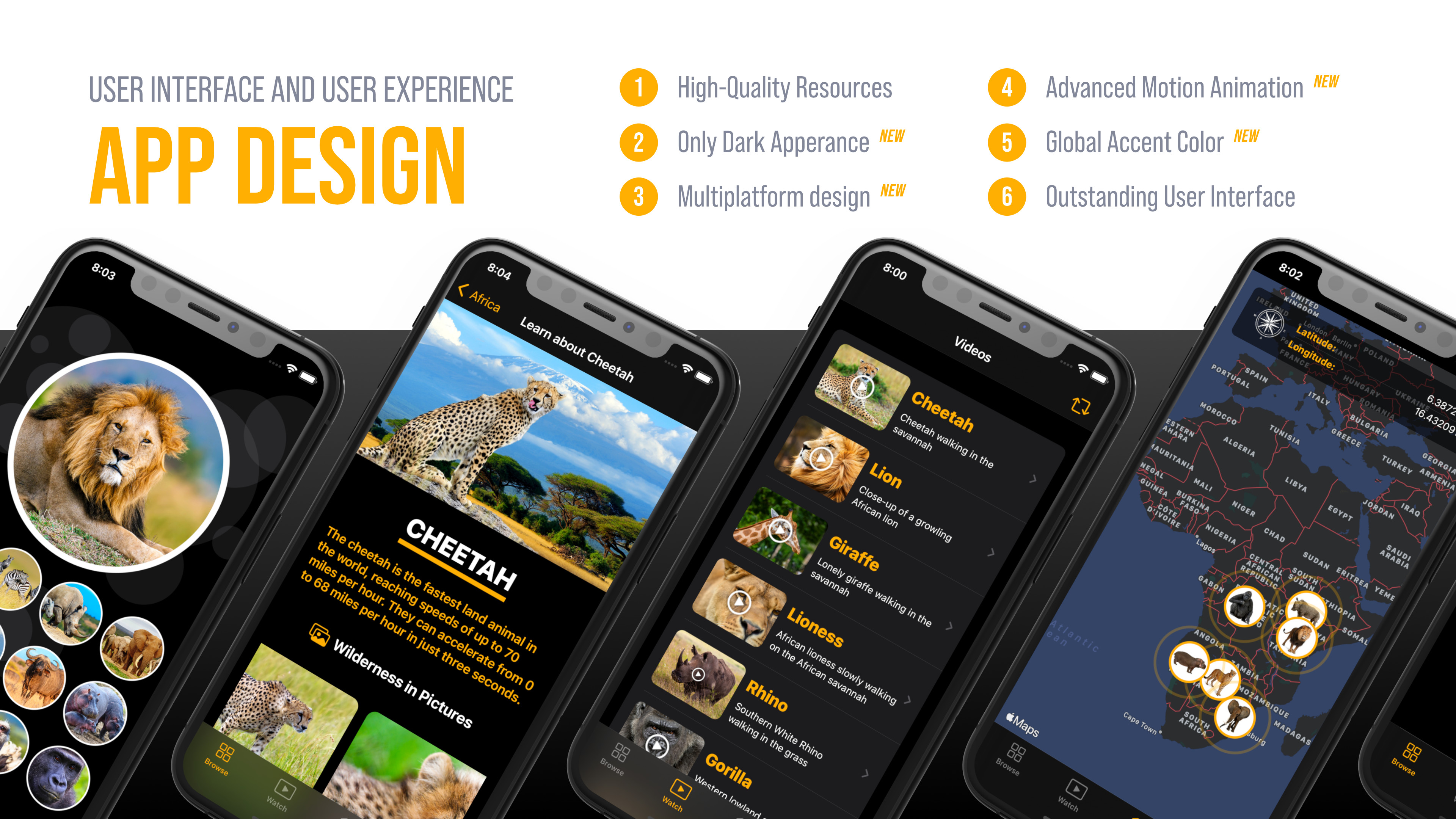
APP ICON

Happy Coding!