What you will learn and develop?

What you will learn and develop?

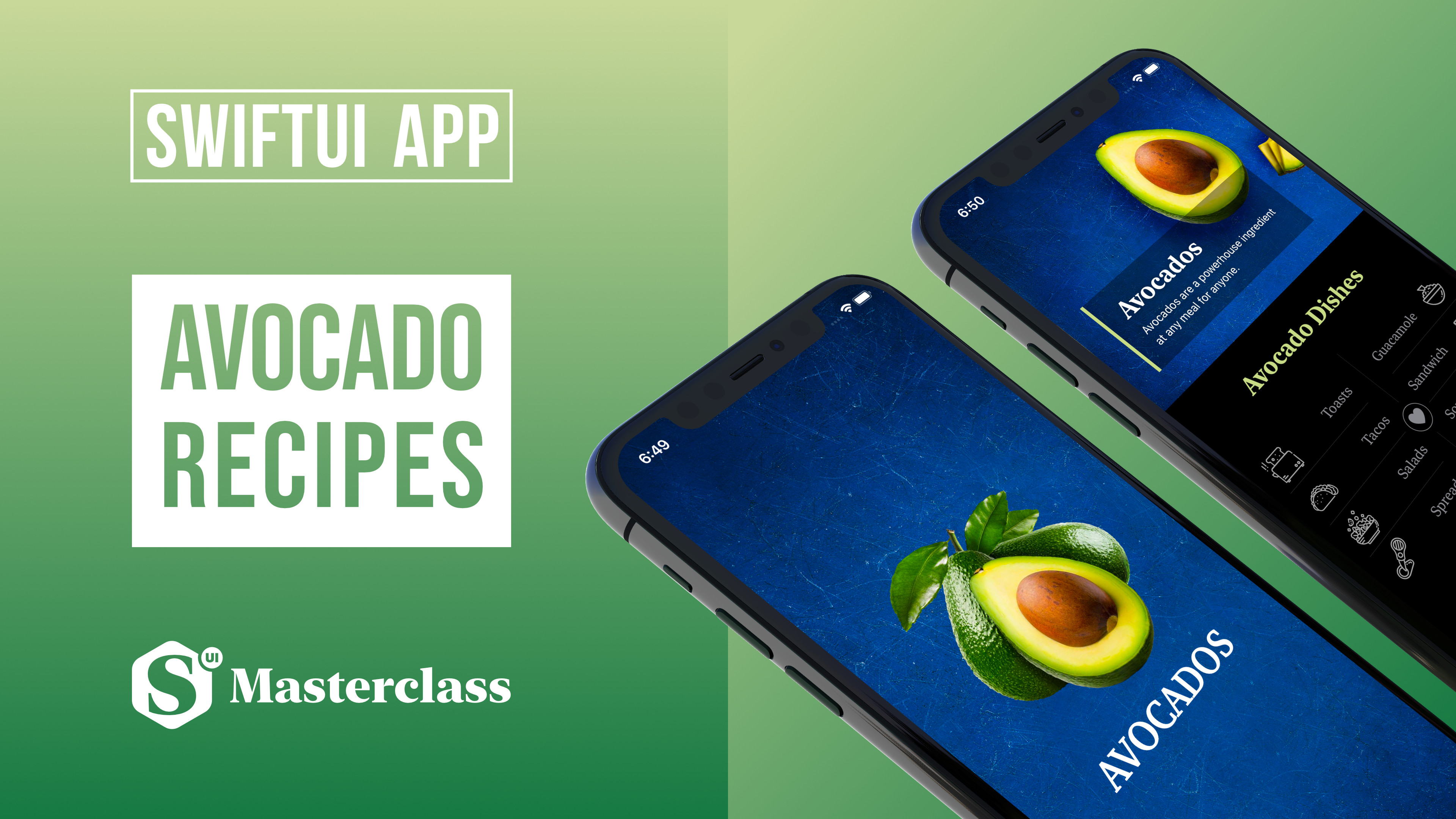
Do you want to learn how to create an eye-catching layout in SwiftUI? In the second project, you will learn all about views in SwiftUI! We are going to build an Avocado Recipe iOS app for iPhone and iPad.
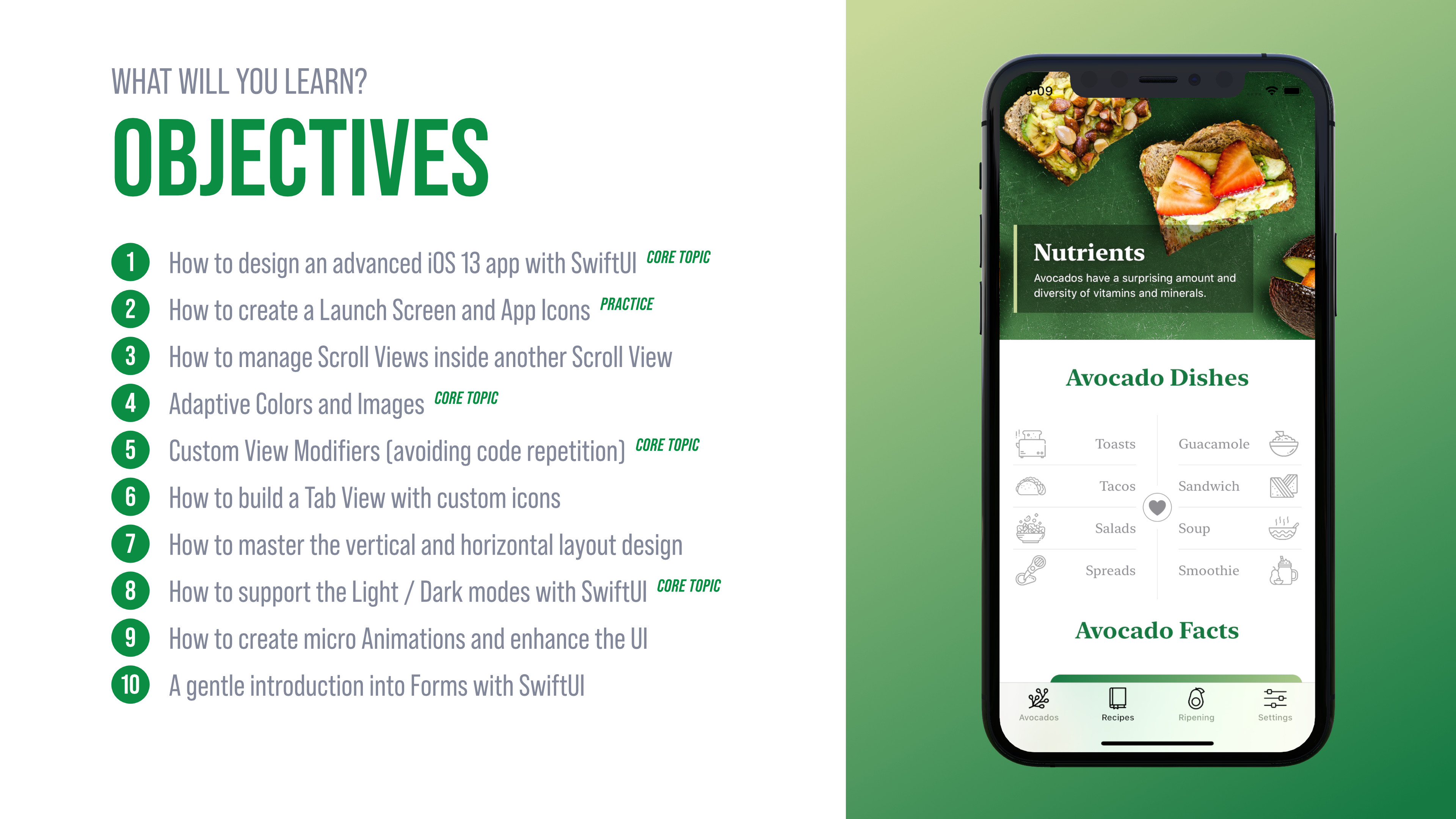
The Avocados app has a fairly complex UI in SwiftUI, and along with the learning, you will find out the following:

  • How to create scroll views inside another scroll view,

  • Why we should use custom View Modifiers (avoiding code repetition)

  • How to build a tab view with custom icons,

  • How to master the vertical and horizontal layout design,

  • How to round the corners of a view and create a unique shape form,

  • How to support the Light/Dark modes in SwiftUI,

  • How to develop micro animation and enhance the UI,

  • A gentle introduction to forms in SwiftUI
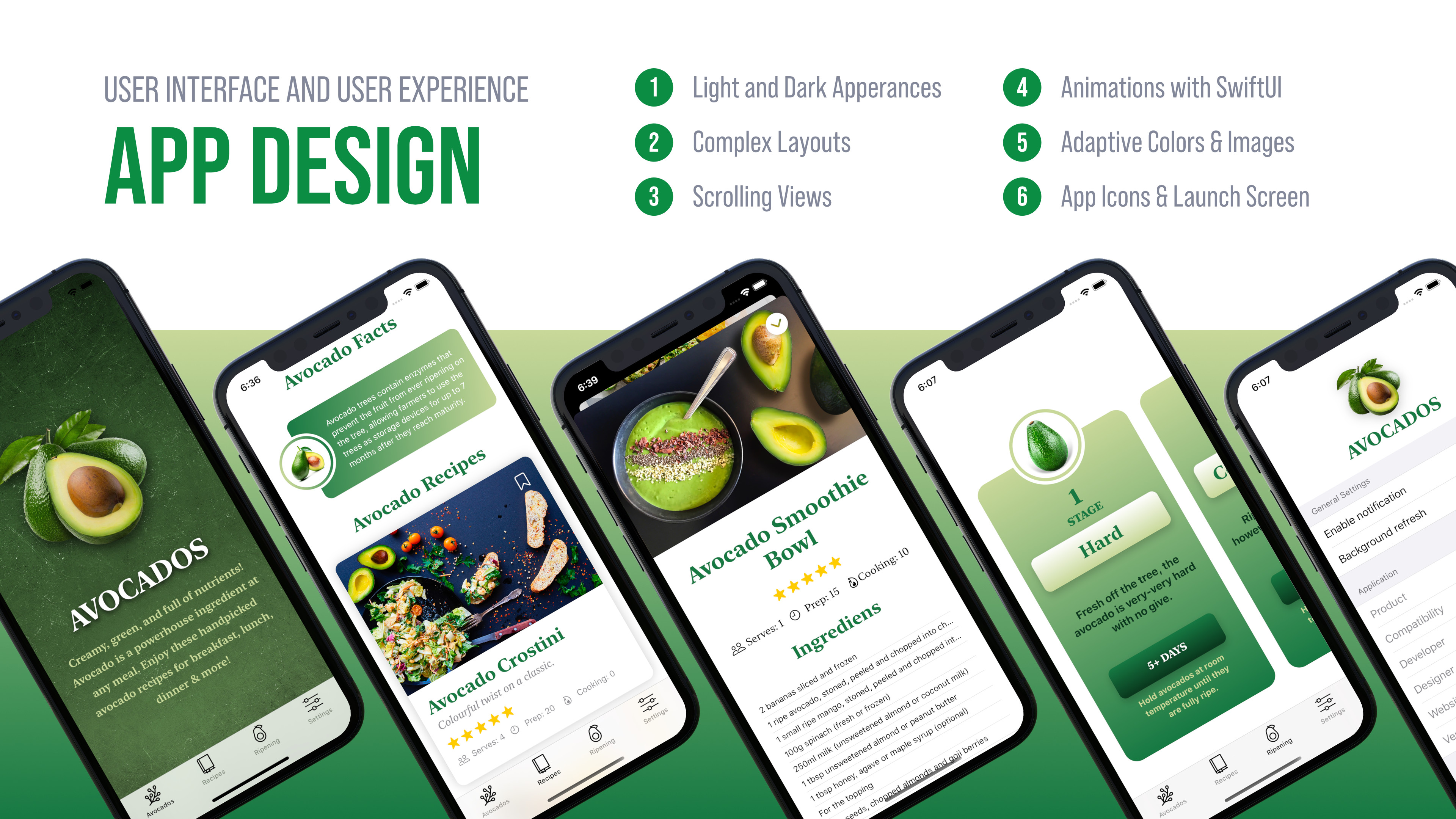
This app is also optimized for the iPad. With a couple of lines, you can support wider screens in landscape and portrait.
Building a great layout in SwiftUI is a cornerstone of iOS development, so we'll explore this in-depth in the following section.

APP ICON
Avocado App

Buy nowLearn more

Introduction

  • What you will learn and develop?

Resources

  • SwiftUI-App-Workbook-Avocado.pdf
  • SWIFTUI-APP-AVOCADO.zip
  • Avocados-iOS-App.zip

Lectures

  • Preview Video
  • 1. Let’s set up the SwiftUI project in Xcode
  • 2. Supporting Dark Mode in iOS App Interface with SwiftUI
  • 3. Let's create a Launch Screen and support the Light and Dark modes in iOS
  • 4. Create a user interface with tabs (TabView) in SwiftUI
  • 5. Let's build the Avocado home view with SwiftUI animation
  • 6. Let's design the layout of the header in Xcode
  • 7. Let's fetch the data for the Header with Swift
  • 8. How to create a interesting layout with SwiftUI - Best Dishes with Avocado
  • 9. Avocado Facts and Why Modifier Order Matters in SwiftUI
  • 10. Fetching the Avocado Facts’ Data with SwiftUI
  • 11. Let's Design the Recipe Cards with SwiftUI and Present the Avocado Recipes
  • 12. Let's Create the Avocado Recipe Detail View in Xcode
  • 13. How to Present a New View with using SwiftUI Sheets
  • 14. Let's Design the Avocado Ripening View with SwiftUI in Xcode
  • 15. Let's present all of the stages of the Avocado ripening with SwiftUI
  • 16. How to Build a Basic Form UI for iOS with SwiftUI