What you will learn and develop?
What you will learn and develop?
Devote App
Introduction
Introduction
Lectures
Lectures
In this SwiftUI lesson, we will develop a task manager iOS 14 application with Core Data persistent data storage. This is not a project with a boring user interface. This SwiftUI application provides a personal touch and feel.
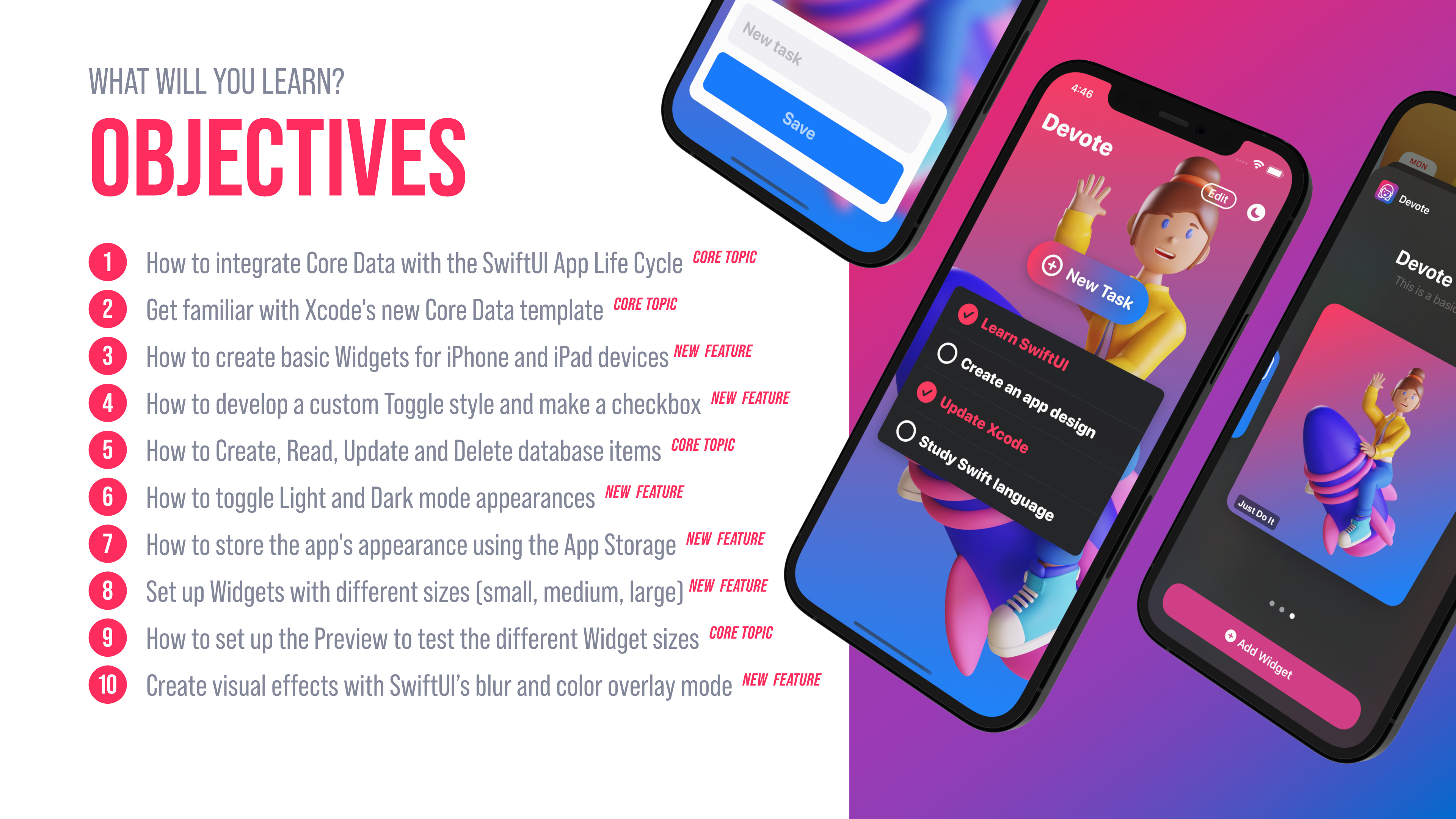
Learn how to integrate Core Data with SwiftUI
Apple's Core Data framework helps developers to manage and interact with data on a persistent store. It works on iPhone, iPad, Mac computer, or even Apple Watch. When we start from a brand new project, the easiest way to use the Core Data framework is by enabling the Core Data option on the setup screen. By doing that Xcode will generate all the required file templates with code and the managed object model for us.
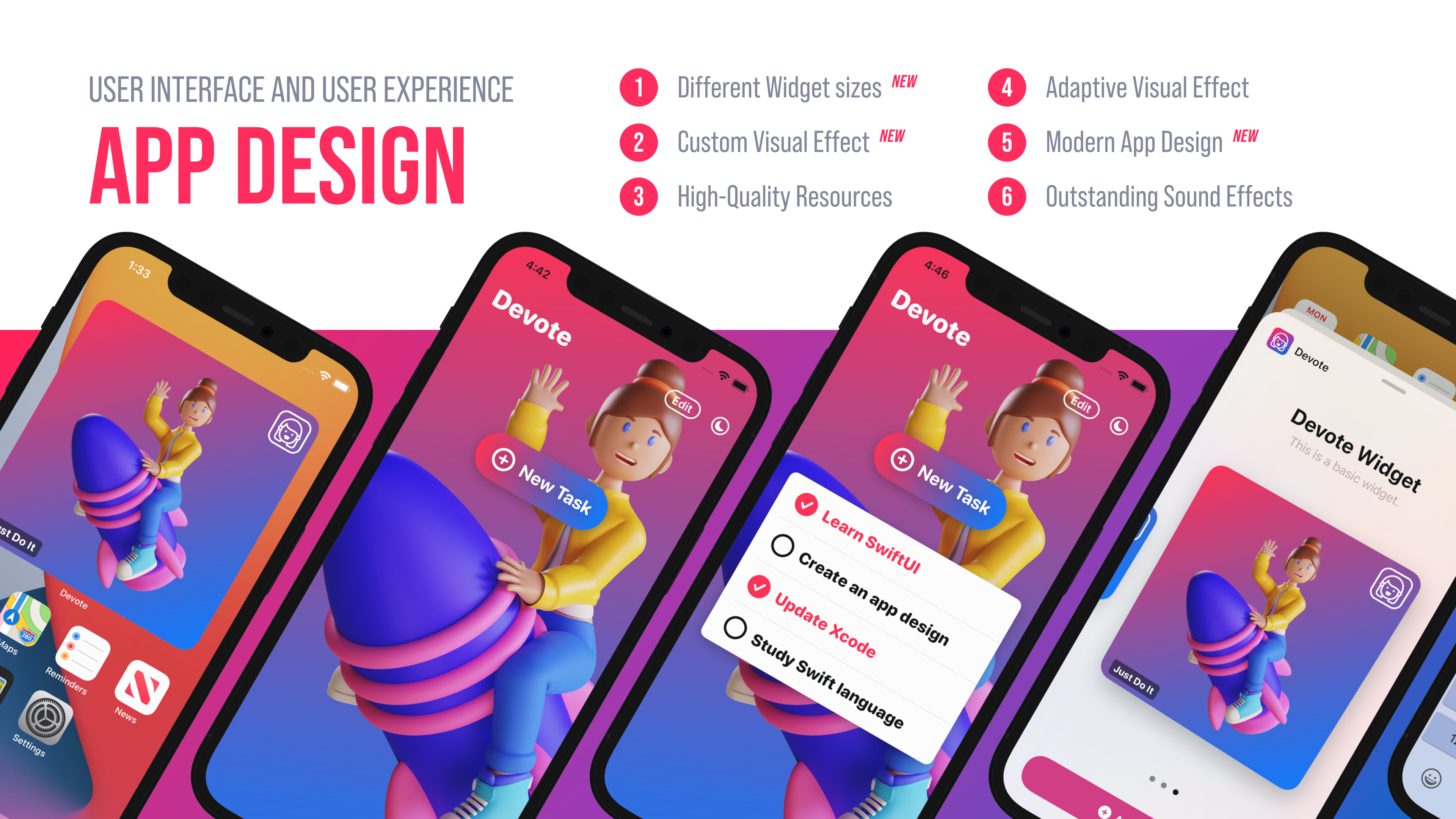
TOPICS WILL BE COVERED:
How to integrate Core Data with the SwiftUI App Life Cycle
How to get familiar with Xcode's new Core Data template
How to create a basic Widget for iOS and iPadOS devices
How to develop a Widget sets with different sizes (small, medium, large)
How to set up the Preview to test the different Widget sizes on the Canvas
How to Create, Read, Update and Delete a database item (CRUD method)
How to show SwiftUI views conditionally
How to switch from Light mode to Dark mode the app's appearance
How to store the app's appearance using App Storage
How to create a visual effect with SwiftUI (blur, overlay, display mode)
How to add the required assets for the Widget extension
How to develop a custom Toggle style and make a checkbox
How to improve the User Experience with sound effects
Practice how to use Apple's Feedback Generator and implement haptics
This Xcode 12's new Core Data template comes with the SwiftUI app life cycle integration and the required Core Data Model. This is why it is worth knowing how to get started with this new template and how to create a working application.
APP ICON