What you will learn and develop?
What you will learn and develop?
Notes App
Introduction
Introduction
Lectures
Lectures
In this SwiftUI tutorial, we are going to develop a modern Notes application for Apple watches. By creating this app, we will learn how to develop a standalone watch extension using the watchOS and SwiftUI frameworks together.
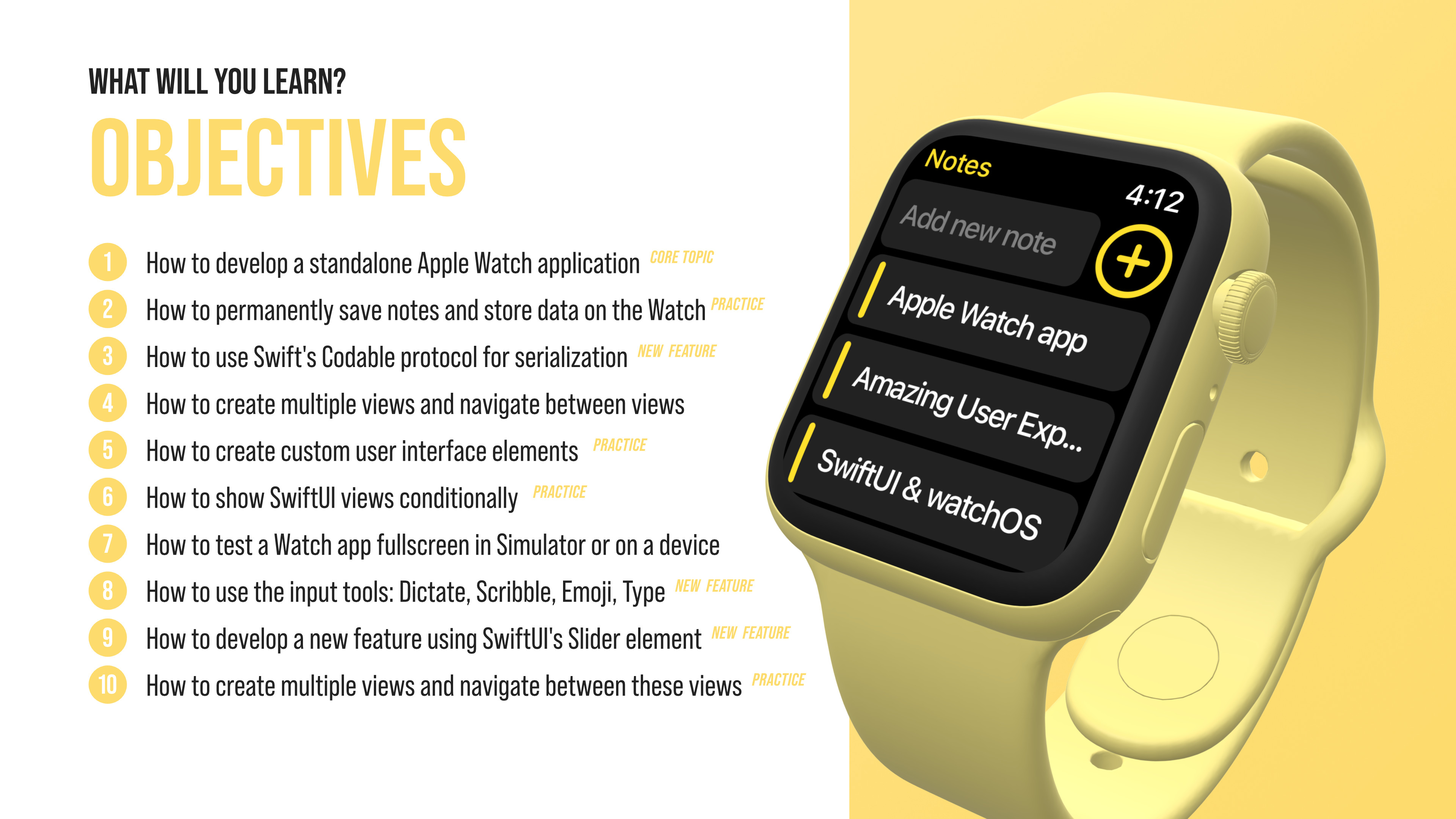
TOPICS WILL BE COVERED:
How to get familiar with the basics of the watchOS framework
How to create multiple views and navigate between these views
How to develop a standalone Apple Watch application with SwiftUI
How to permanently save notes and store data on Apple Watch
How to show a list of notes on Apple Watch
How to select and delete notes from Apple Watch
How to show SwiftUI views conditionally
How to create and utilize uniform design language across pages
How to use Swift's Codable protocol for serialization
How to test a Watch app fullscreen in Simulator or on a device
How to develop a new feature using SwiftUI's Slider element
How to create custom user interface elements
How to add icons and asset files to a Watch extension
How to use the input tools: Dictate, Scribble, Emoji, Type
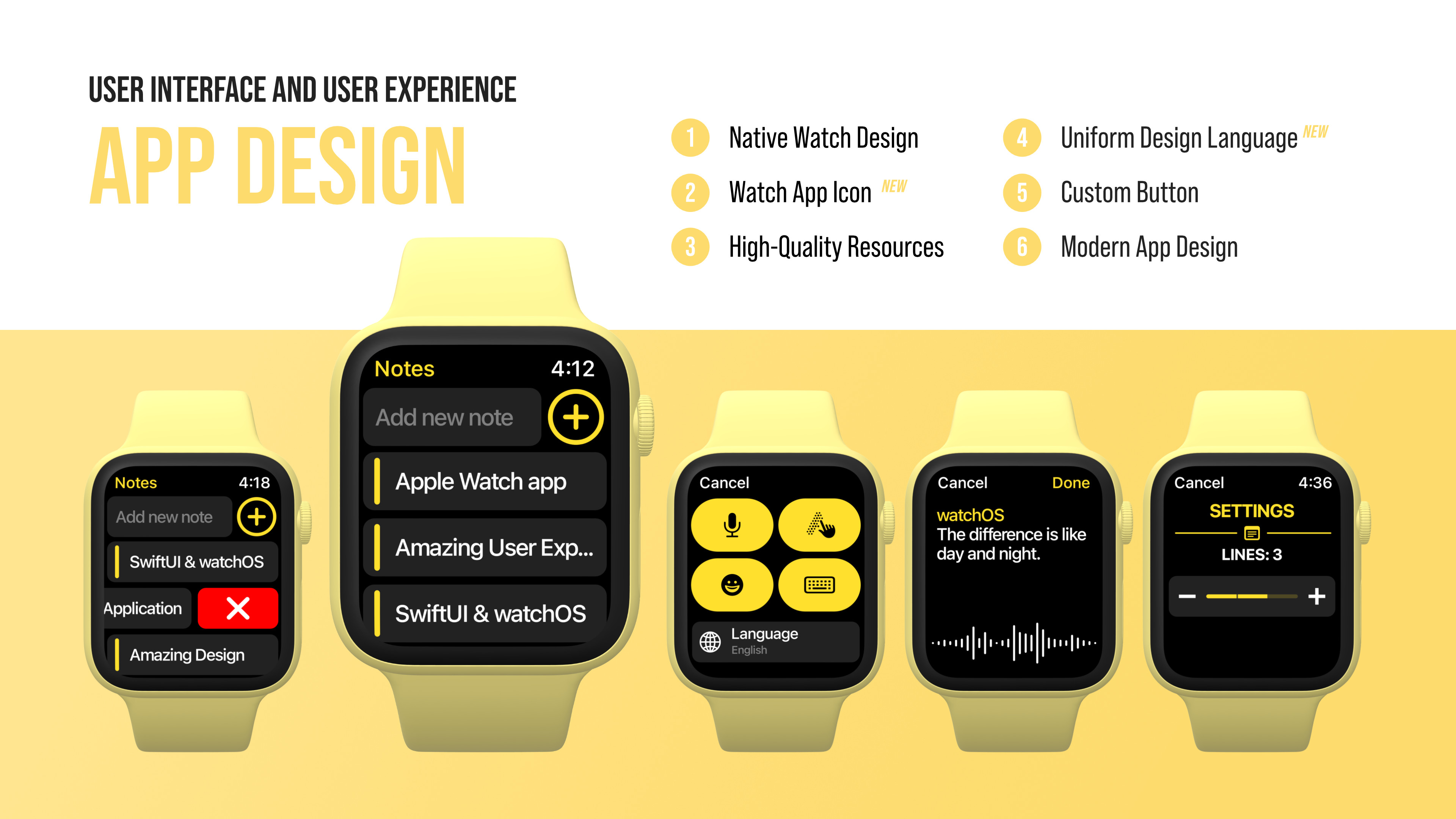
APP DESIGN
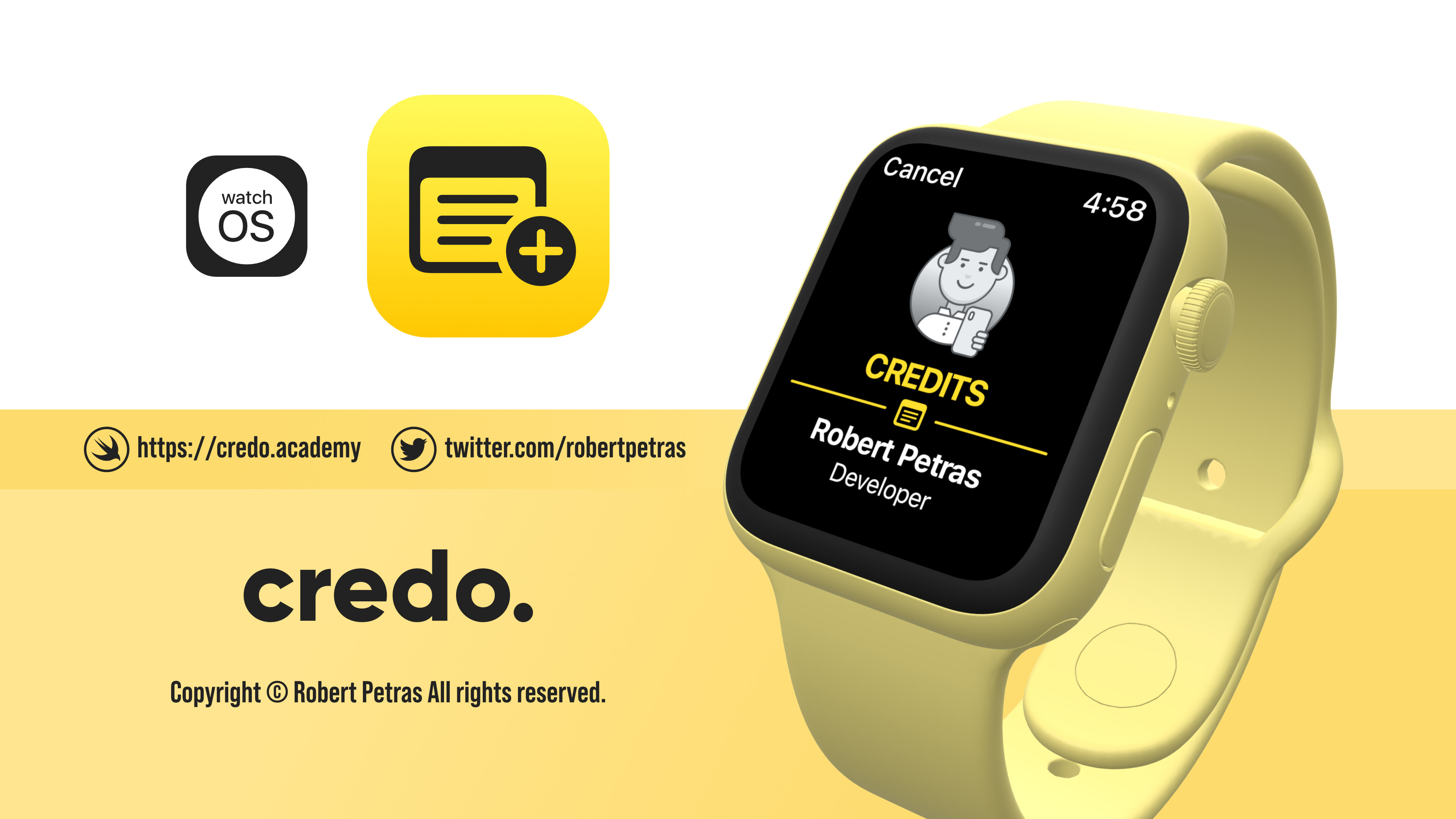
APP ICON
Happy coding!