What will we develop in this course?
What will we develop in this course?
Restart App
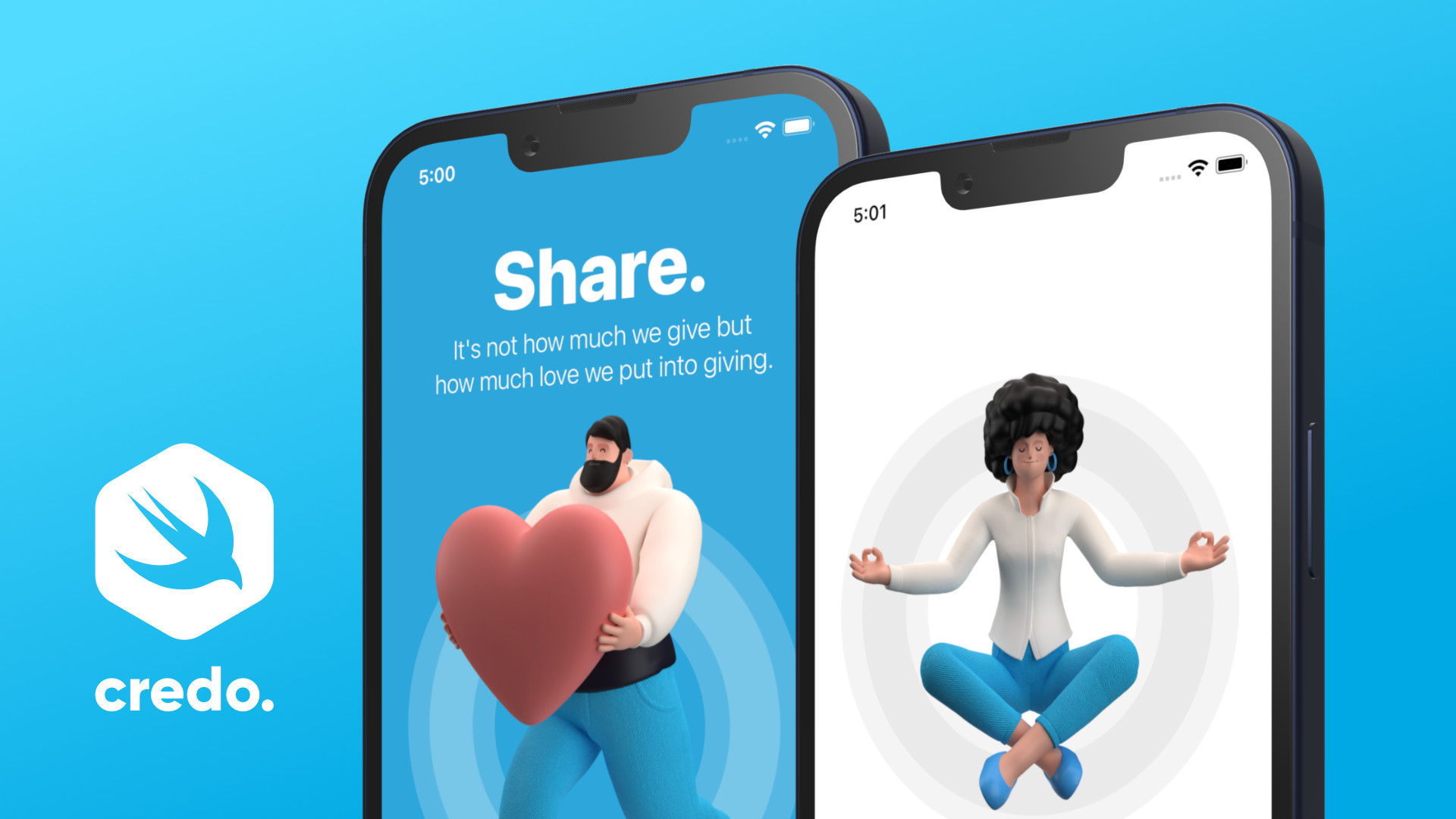
ADVANCED APP DESIGN
The main goal of this mini-project is to inspire you on what we can accomplish with the SwiftUI framework.COMPLEX SWIFTUI GESTURES
We will create a custom button with complex gestures that are not available in Apple’s stock user interface library.PARALLAX EFFECT
By using multiple movements in the opposite direction (parallax effect), we can add depth to this amazing onboarding screen.
CHAPTERS
Chapter 1: Setting up the new application
Chapter 2: Let’s build up the Onboarding Screen
Chapter 3: Let’s build up the Home Screen
Chapter 4: Complex SwiftUI Gestures
Chapter 5: Animation - Part 1
Chapter 6: Animation - Part 2
Chapter 7: Final Touches
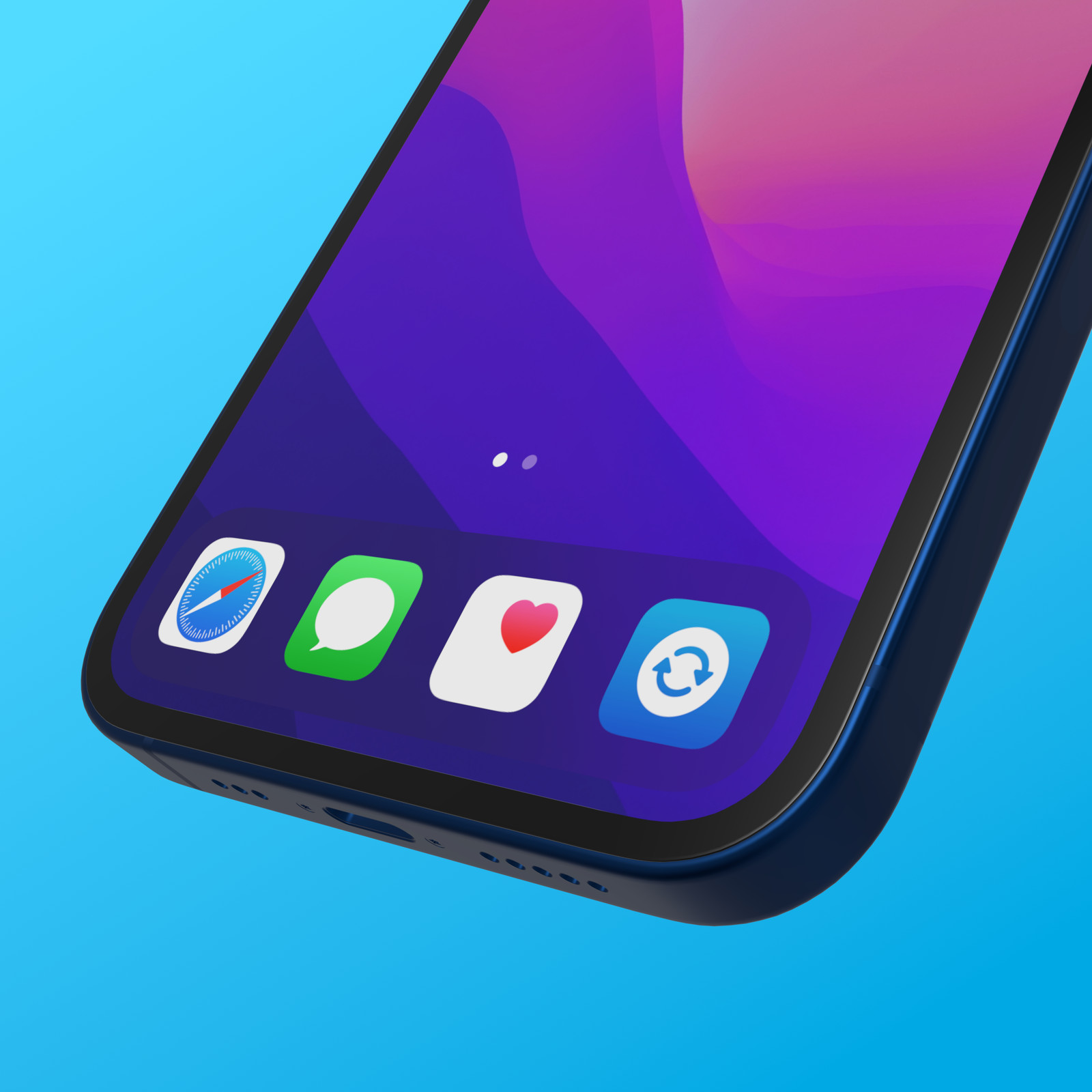
The App Icon makes the first impression on users' mobile devices. We cannot take shortcuts without it if we want to upload our application to Apple's App Store.
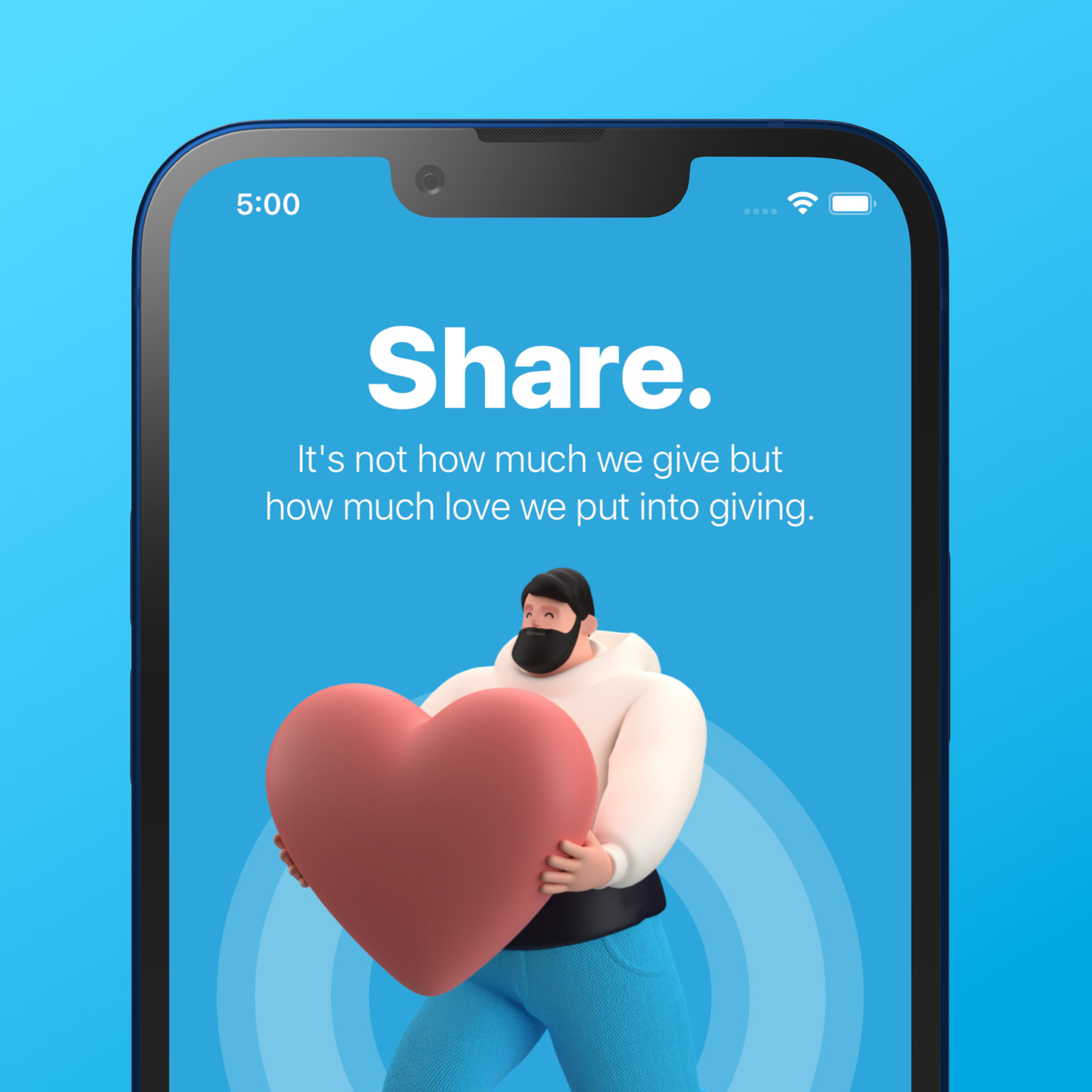
Do you want to learn advanced iOS app design with the SwiftUI Framework? Then this hands-on tutorial is for you. Let's learn how to create an iOS app design with Apple's SwiftUI framework.
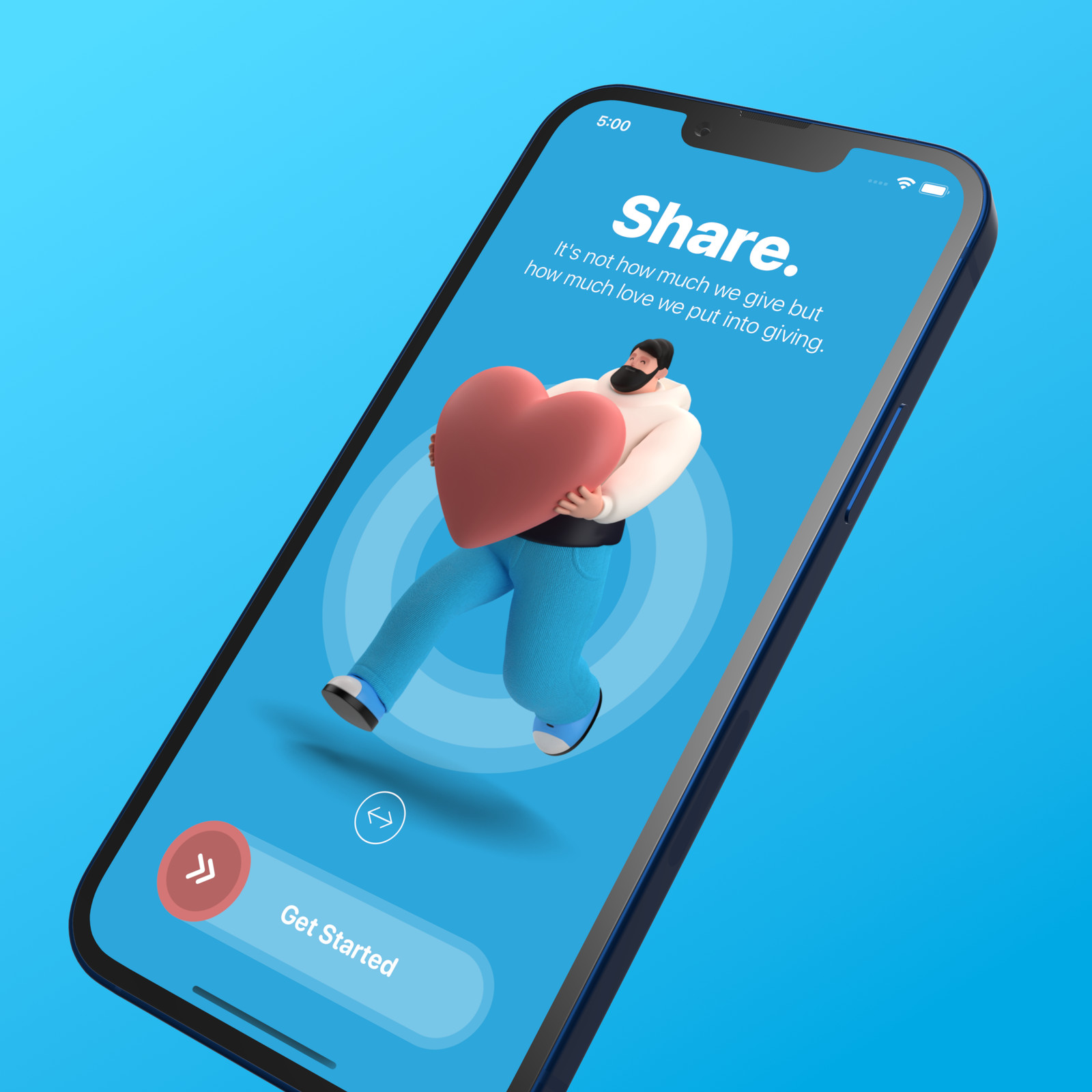
Complex iPhone application
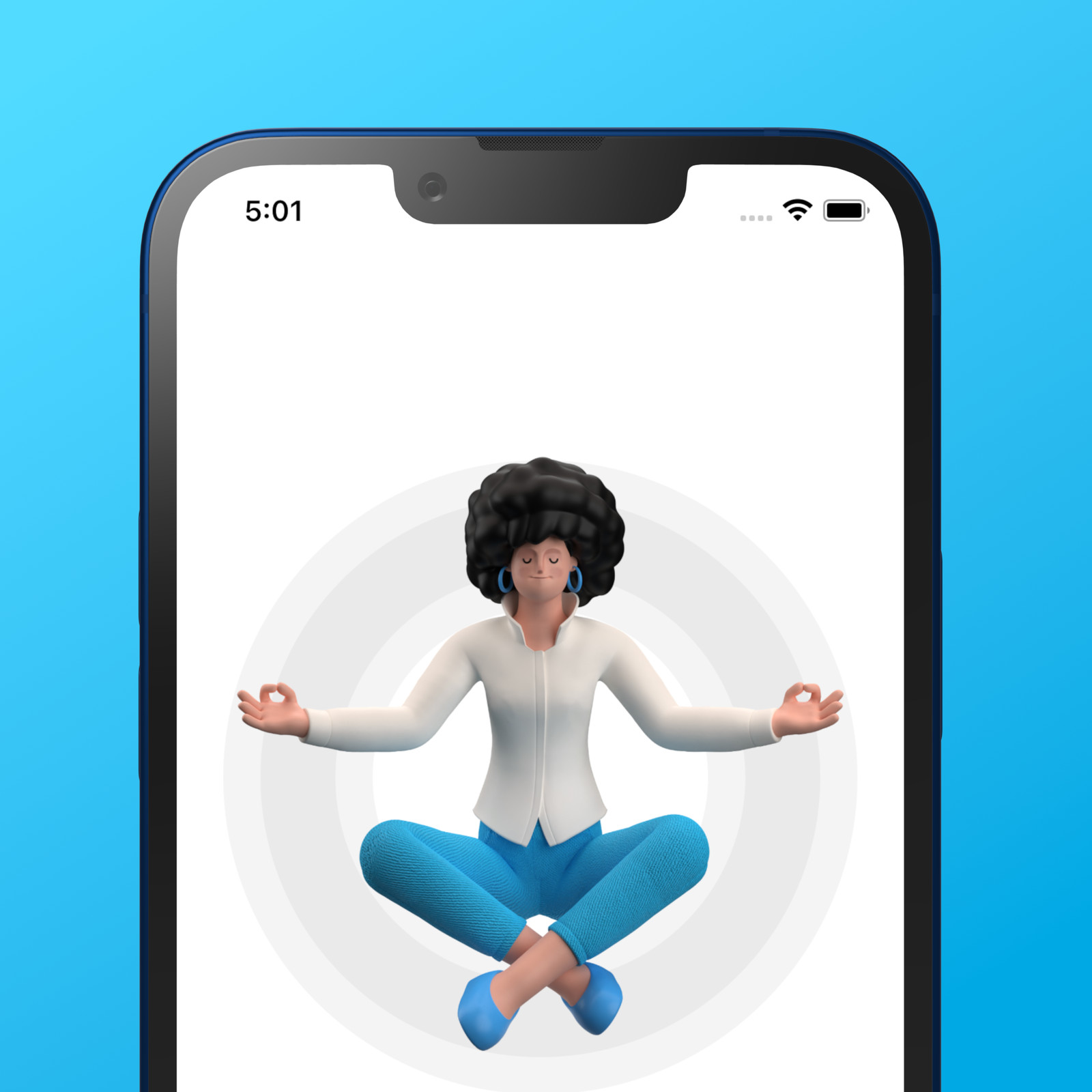
The home screen is made with SwiftUI.
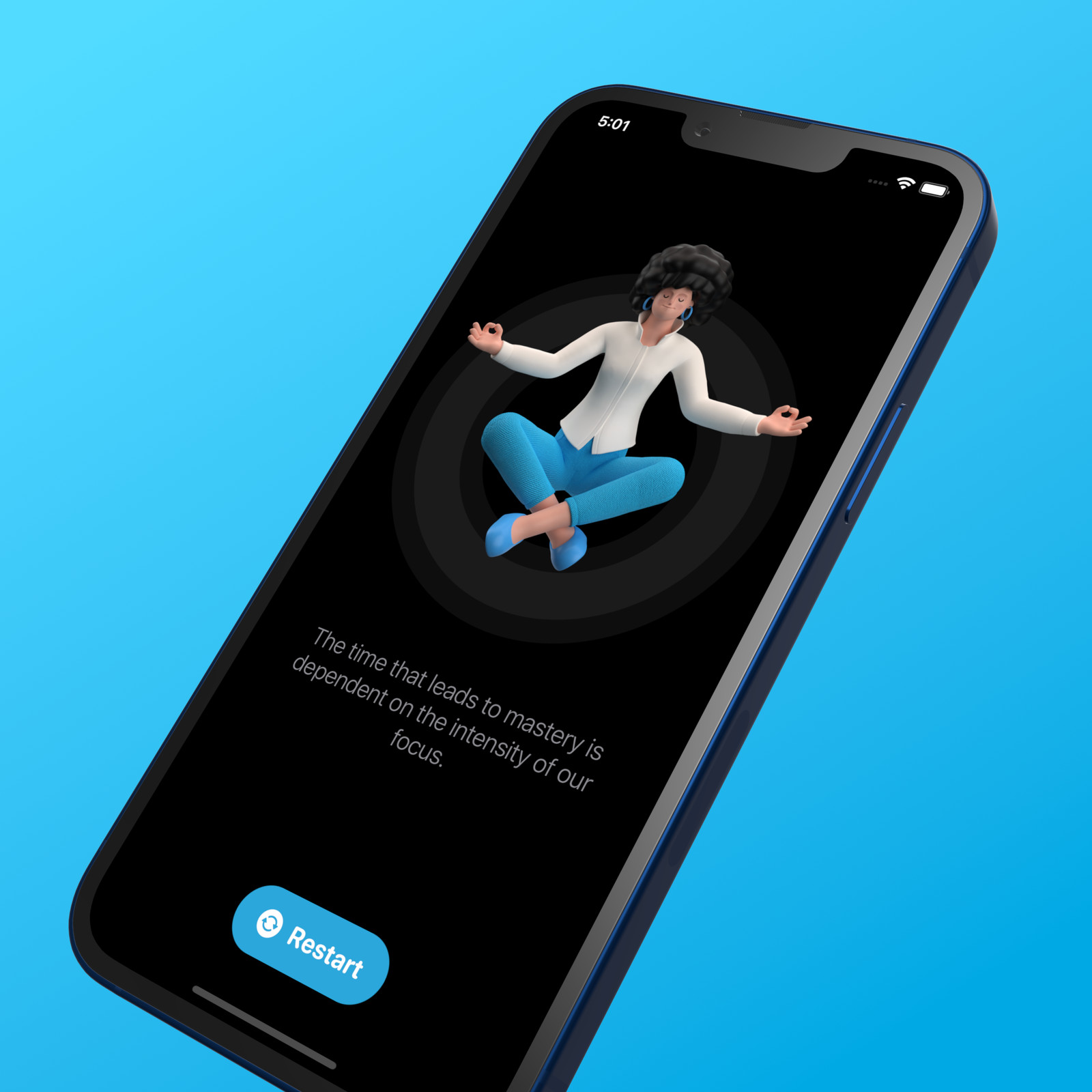
Dark appearance.
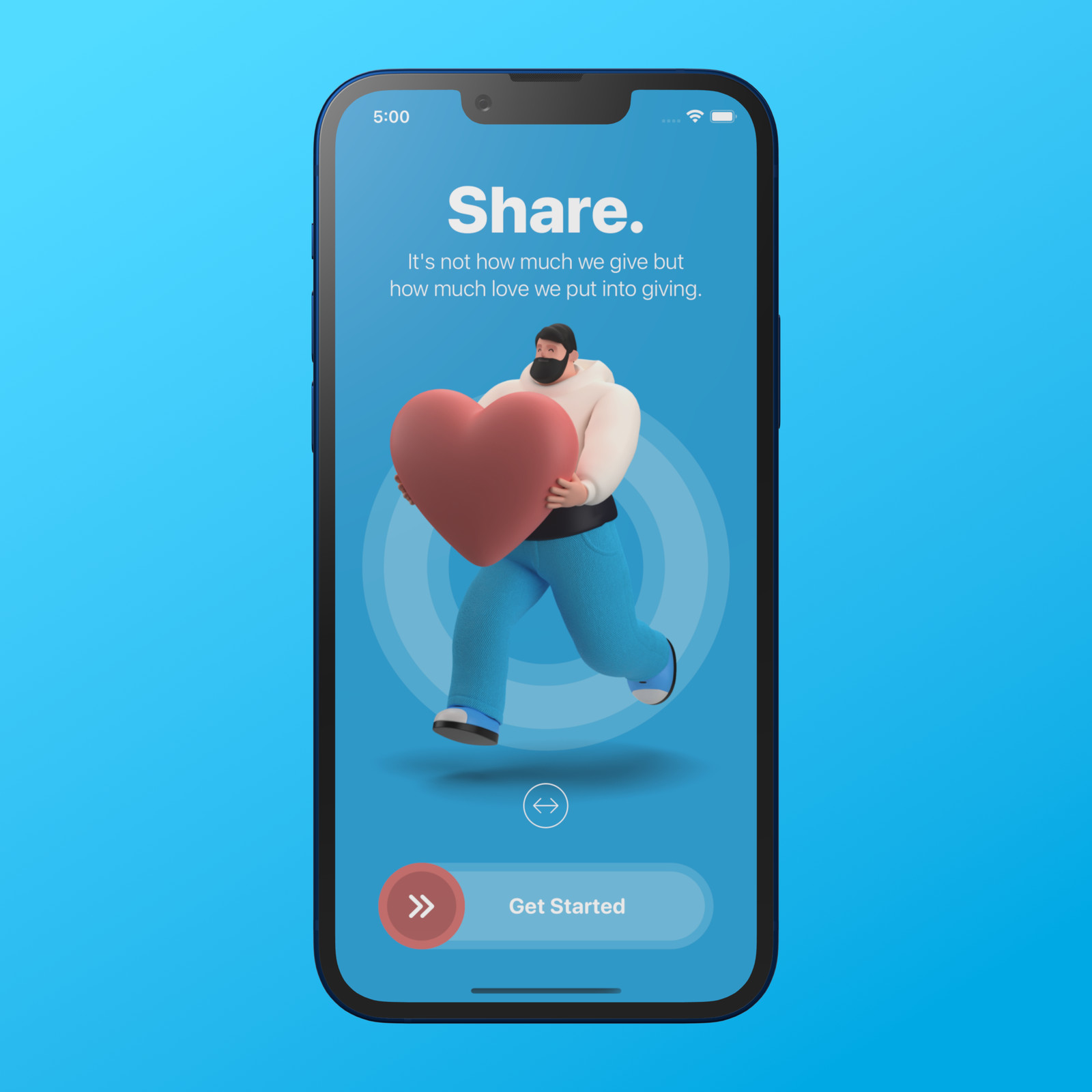
Parallax effect and animation.
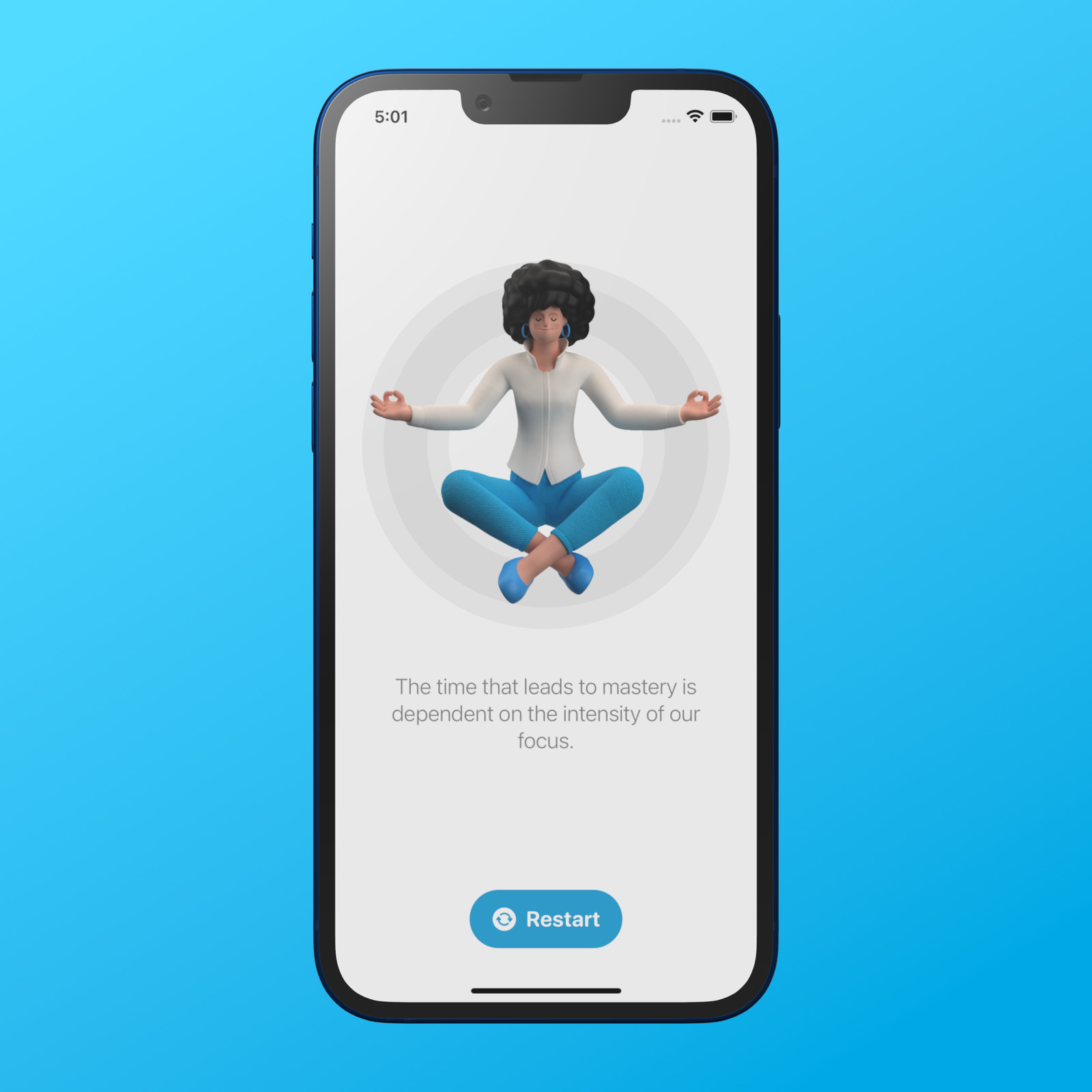
Using app storage to restart the iPhone application.